Trucking compliance software that catches problems before they become violations
Strivie verifies medical cards against the FMCSA National Registry, orders MVRs with expiry alerts, runs your DOT drug & alcohol program and random pool in-app, and matches roadside inspections to FMCSA — inside the same system that runs your loads and drivers. The compliance thinking happens for you.
Driver qualification files that check themselves
A bad med card is a violation waiting to happen. Strivie verifies each medical examiner's certificate against the FMCSA National Registry — confirming the examiner is real and registered — before it lands in the driver's file. MVRs get ordered right in the app, kept on file, and flagged before they expire, so nothing lapses while you're busy dispatching.
- Medical cards verified against the FMCSA National Registry — real examiner, confirmed on the registry
- Order a driver's MVR in-app and keep it on the driver qualification file
- Alerts before an MVR expires, plus annual MVR-review due alerts
- Read a driver's info straight from a CDL photo to start the file
- Med card verifications, MVRs, and CDL info attach to the same driver qualification file
Your 49 CFR Part 382 program, run in-app
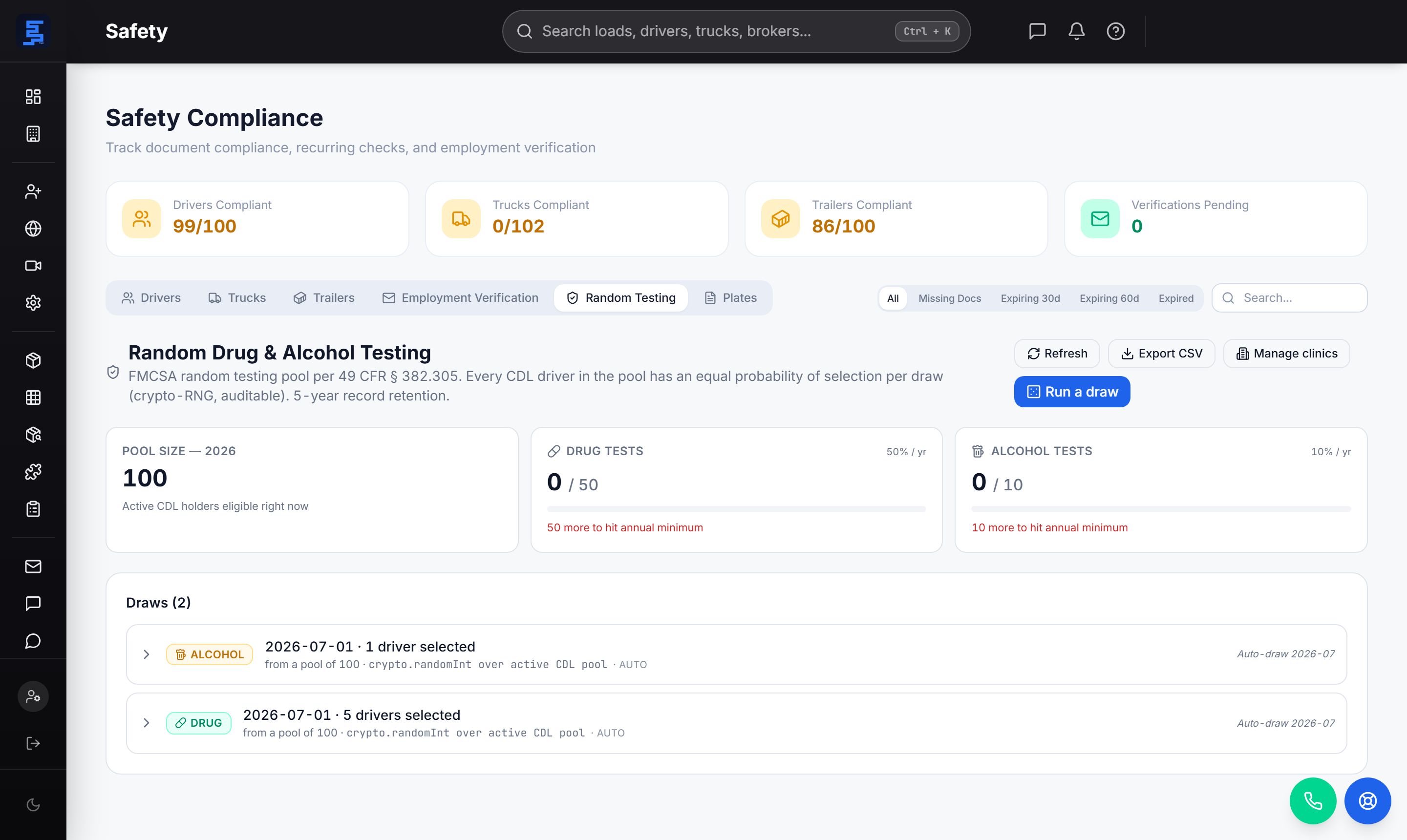
The DOT drug and alcohol testing program doesn't have to live in three vendor portals and a spreadsheet. Order a test from the driver's file and the result lands back on it. The FMCSA random pool runs inside the app — automatic monthly draws, driver notifications, and a DER dashboard — with Clearinghouse query prep and due-date reminders so annual checks never slip.
- Order a DOT drug or alcohol test from the driver's file; the result returns to it
- FMCSA random pool: automatic monthly draws with driver notifications
- A DER dashboard so the designated employer rep sees the whole program
- FMCSA Clearinghouse query files prepped in-app, with annual due reminders
- Annual Clearinghouse due alerts so yearly queries don't get missed
Screen the driver before you hand over the keys
Good compliance starts before the first load. Strivie pulls PSP reports into the hiring workflow and runs Clearinghouse queries as part of onboarding, so pre-employment screening and the driver qualification file build together instead of in separate systems. CDL reading extracts the license details from a photo, so day-one paperwork is faster and cleaner.
- PSP (Pre-employment Screening Program) reports in the hiring workflow
- Clearinghouse pre-employment query file built in-app
- CDL reading pulls license info from a photo to seed the DQ file
- Onboarding that feeds the same driver record dispatch and payroll use
- Driver compliance management without double entry across tools
Roadside inspections and GPS safety on one page
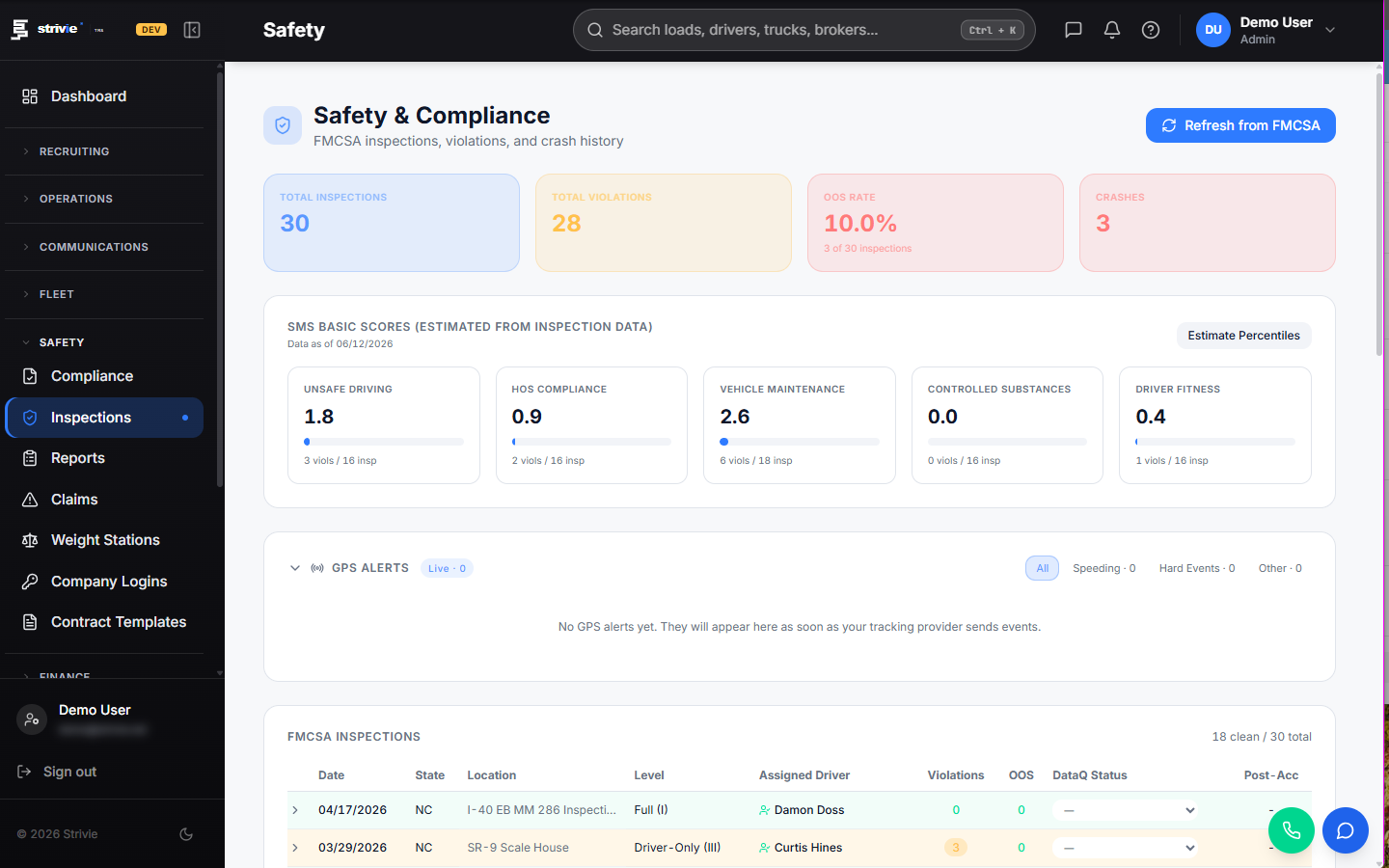
When a driver gets inspected, enter it once and Strivie matches it to the FMCSA record by report number — so your file and the government's file agree. GPS and telematics safety alerts surface on the same Safety page, so speeding, harsh events, idling, and geofence activity don't stay buried in a separate tracking tool.
- Roadside inspection entry matched to FMCSA records by report number
- GPS/telematics safety alerts on the Safety page: speeding, harsh events
- Out-of-route alerts surfaced where you work
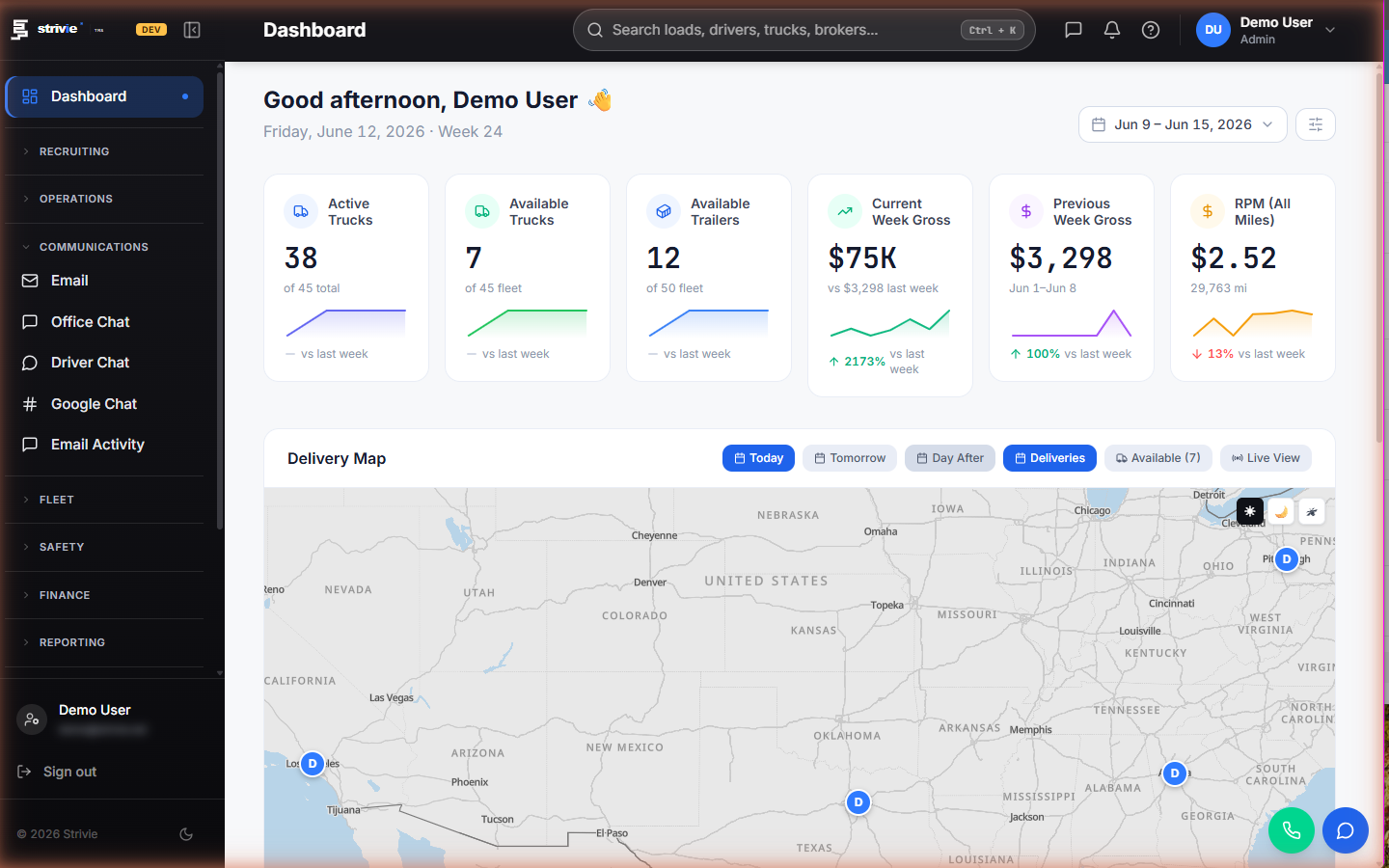
- Live GPS/ELD from all major telematics providers on one map, keyed by VIN
- Fleet compliance and safety in the same system as your loads and drivers
Compliance built into the TMS, not bolted beside it
Most compliance tools are a separate portal you keep in sync by hand. Strivie is one platform — dispatch, driver payroll, maintenance, IFTA, and safety & FMCSA compliance — so med cards, MVRs, inspections, and driver files live on the same driver and truck records that run your operation. It's a single-tenant deployment per carrier, sized for owner-operators and small-to-midsize fleets, with an enterprise mode that adds branch management when you grow into multiple terminals.
- DQ files, med cards, and inspections sync with live driver and truck records
- One dashboard of compliance instead of a filing cabinet and calendar reminders
- Built for owner-operators and small carriers running their own authority
- Bring your own ELD/GPS, fuel card, factoring, and QuickBooks accounts
- Enterprise mode adds branch management for larger fleets on the same platform
Questions carriers ask
What is trucking compliance software and what does it actually do?
Trucking compliance software tracks the documents and programs the FMCSA requires so you stay audit-ready without spreadsheets and calendar reminders. In Strivie that means verifying medical cards against the FMCSA National Registry, ordering MVRs with expiry alerts, running DOT drug & alcohol testing and the random pool, handling Clearinghouse and PSP in hiring, and matching roadside inspections to FMCSA. Because it's part of the TMS, every check attaches to the live driver and truck records you already use.
Does it track medical card, CDL, MVR, and annual inspection expirations automatically?
Strivie verifies each medical examiner's certificate against the FMCSA National Registry, keeps MVRs on the driver's file with an alert before they expire, and reads CDL details from a photo to build the driver qualification file. It alerts you before an MVR expires and before annual MVR reviews and Clearinghouse queries come due, so a lapsed MVR or med card doesn't turn into a violation you find out about at a scale house.
Does the software handle drug & alcohol testing and FMCSA Clearinghouse requirements?
It does — your 49 CFR Part 382 program runs inside the app. Order a DOT drug or alcohol test from the driver's file and the result comes back to it, run the FMCSA random pool with automatic monthly draws and driver notifications from a DER dashboard, and prepare Clearinghouse queries in-app with annual due alerts so the yearly query never slips. That keeps the drug and alcohol testing program and Clearinghouse checks in one place instead of scattered across portals.
How does it help me pass an FMCSA audit or new-entrant safety audit?
An audit is mostly about producing the right records fast. Strivie keeps driver qualification files, med card verifications, MVRs, drug & alcohol and Clearinghouse history, and inspection records on the driver and truck they belong to, so you're not digging through a filing cabinet. Roadside inspections are matched to FMCSA by report number, so your records and the agency's line up.
Do owner-operators running under their own authority need compliance software?
If you hold your own USDOT number and MC operating authority, you're personally responsible for the same FMCSA rules a big fleet follows — driver qualification files, med cards, drug & alcohol testing, and inspections. Strivie is DOT compliance software built for owner-operators and small carriers, where one person often runs both operations and compliance. Everything sits in the same system that handles your loads, so compliance isn't a second job in a second tool.
What's the difference between compliance software, an ELD, and a full TMS — do I need all three?
An ELD records Hours of Service and logs; compliance software manages driver files, med cards, MVRs, testing, and inspections; a TMS runs loads, dispatch, and payroll. Strivie is a full TMS with FMCSA compliance built in, and you connect your own ELD/GPS from any major provider. So instead of three disconnected systems, your driver record, live tracking, and compliance files are one thing.
How is this different from a standalone DQ file or driver compliance management tool?
Standalone driver qualification file software is a separate portal you keep in sync by hand, which means double entry every time a driver, truck, or document changes. Strivie builds DQ files, med card checks, MVRs, and inspections on the same live records that run dispatch and payroll, so nothing is entered twice. It runs as a single-tenant deployment per carrier, with an enterprise mode that adds branch management as your fleet grows into multiple terminals.
See the violations coming, not the fines
A bad med card, an expired MVR, a missed Clearinghouse query — each one is a violation you could have caught early. Strivie does the compliance thinking for you: verified against the FMCSA registry, ordered in-app, matched to the record, and flagged before it's a problem — inside the same system that runs your fleet. Book a walkthrough and see your DQ files, testing program, and inspections in one place.